
Reach the review flow quickly
Send willing customers to the restaurant’s approved Google review destination with fewer steps.
Built for restaurants
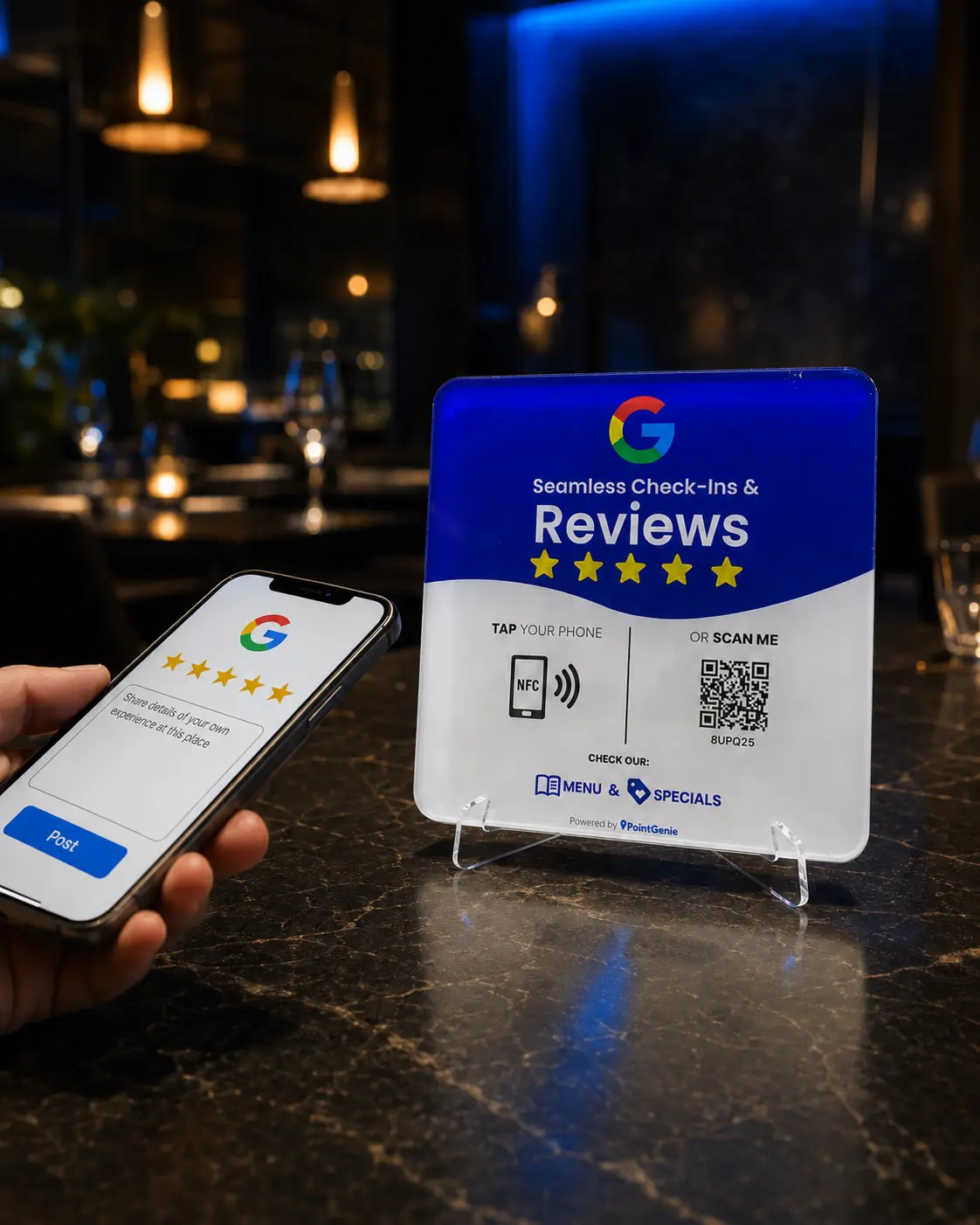
A PointGenie GenieTag gives restaurant guests one simple tap or scan to reach your approved Google review link, menu, offers and social channels.
Designed for local businesses
Place a GenieTag near checkout, at the host stand or on a pickup counter so customers can choose the action they need without downloading an app.
What you get
Send willing customers to the restaurant’s approved Google review destination with fewer steps.
Share a digital menu, seasonal items or specials from the same mobile-first business page.
Use the tag at a table, front counter, pickup shelf or catering display.
PointGenie scan activity helps reveal when and where guests interact with the touchpoint.
How it works
Search for and select the correct business location during checkout.
Scan the GenieTag, create or connect the PointGenie account and confirm the business details.
Display it where satisfied guests naturally pause, pay or collect an order.
Who it is for
Independent restaurants, cafés, quick-service concepts, bakeries, bars, caterers and multi-location operators that want a clearer path from an in-person visit to online engagement.
Frequently asked questions
Common placements include the host stand, checkout counter, pickup area and other visible locations where customers naturally pause.
Yes. The PointGenie business page can present the approved review link together with a digital menu, contact and social actions.
No. Compatible phones can tap the NFC tag or scan its QR code in the browser.
Each location should have its own correctly configured business destination and touchpoint so customers reach the intended profile.
Take the next step