
Direct patients to the right profile
Configure the touchpoint for the intended dental practice location and approved review destination.
Built for dental practices
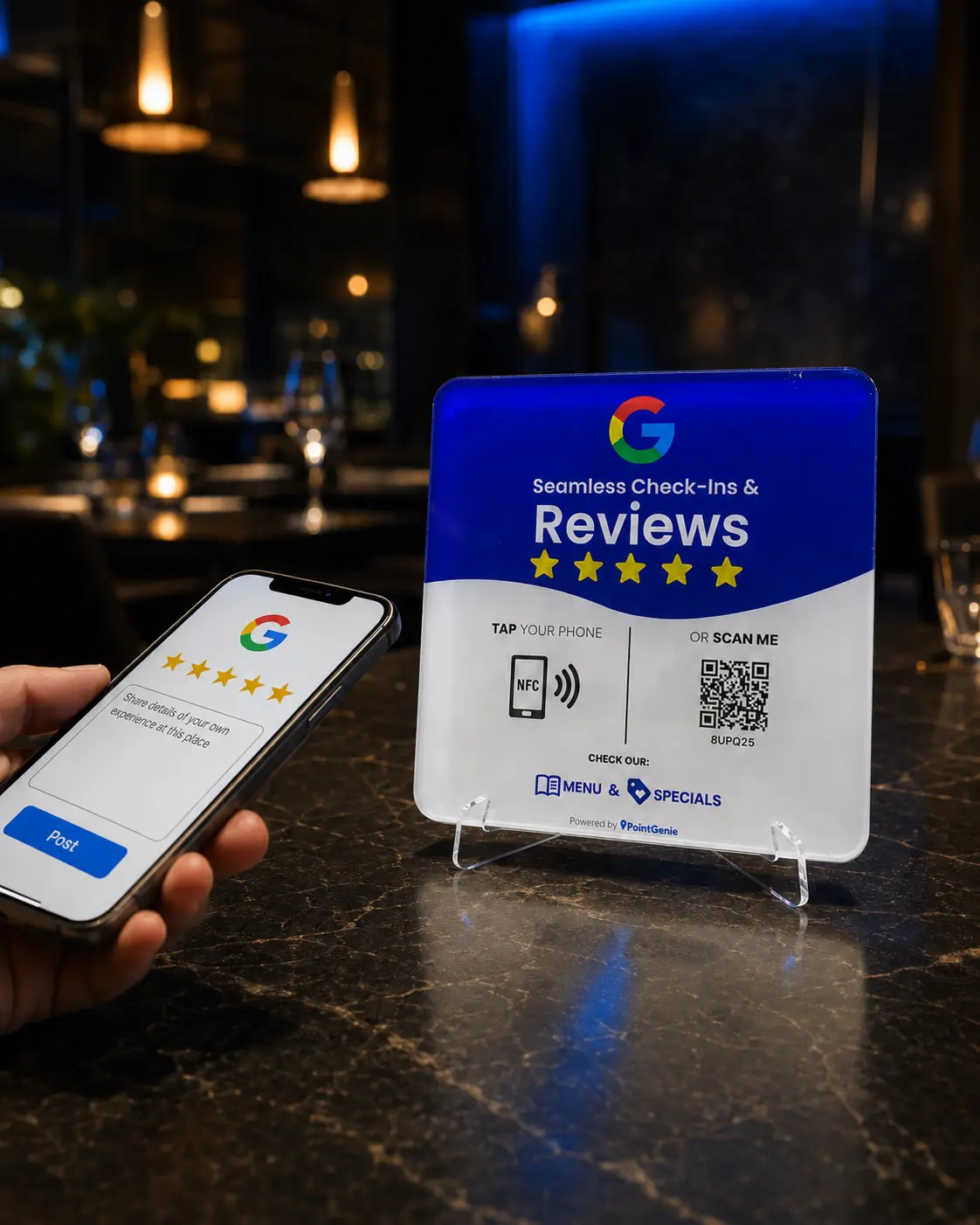
A PointGenie GenieTag can connect patients with your approved Google review destination, office information and contact actions from the front desk.
Designed for local businesses
Patients can tap or scan while checking out, without typing the practice name or searching through similarly named locations.
What you get
Configure the touchpoint for the intended dental practice location and approved review destination.
Present hours, contact actions, services and helpful links in one mobile-first place.
A visible NFC and QR prompt gives patients a self-service next step.
Track PointGenie scan activity around the office touchpoint.
How it works
Select the exact dental office that should be associated with the GenieTag.
Review the office information and connect the appropriate destinations.
Display the tag where patients schedule follow-up care or complete their visit.
Who it is for
General dentists, orthodontists, pediatric dentists, oral surgery practices and multi-location dental groups.
Frequently asked questions
The physical NFC and QR touchpoint opens configured business links. Practices should never request or publish protected health information in public reviews.
Yes. Separate location-specific configurations help patients reach the correct business profile.
No. Compatible phones can tap or scan and open the destination in a browser.
No. Businesses should request honest feedback without incentives or pressure, and Google controls review publication.
Take the next step